Overview
Monday.com is a versatile work operating system designed to make teamwork effortless. It helps teams of all sizes plan, organize, and track their projects and tasks in one central hub. Whether you’re managing marketing campaigns, software development, sales pipelines, or HR processes, Monday.com keeps everything visible, organized, and on track. With customizable workflows, intuitive boards, and real-time collaboration tools, Monday.com empowers teams to communicate clearly, reduce bottlenecks, and hit deadlines consistently. Its drag-and-drop interface and automation features make managing work simple even when projects are complex. The platform adapts to the way your team works, not the other way around, making it a tool that everyone can use with confidence. In short, Monday.com transforms how teams work together, turning chaos into clarity and making productivity feel effortless.
Media
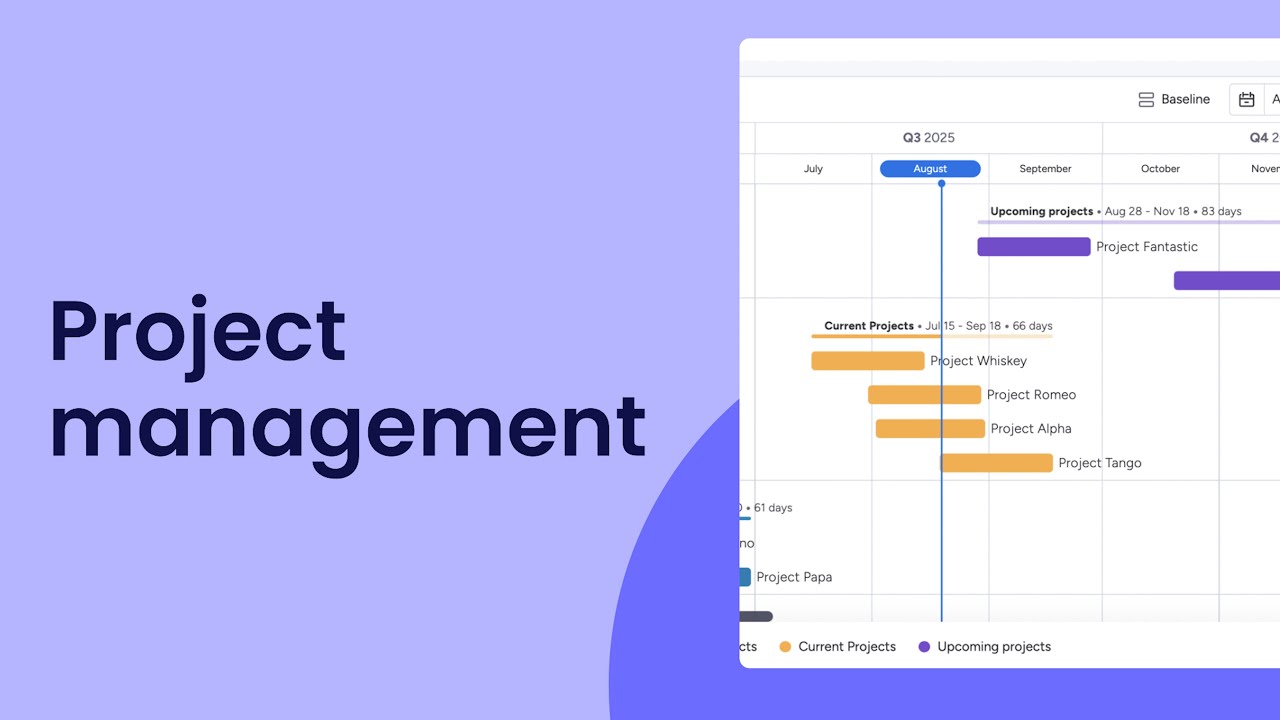
Manage your projects like a pro with monday.com! | monday.com tutorials
Key Benefits
How It Works
Set Up Your Workspace
Sign up and create your team’s workspace. Start by adding your team members so everyone can collaborate in one central hub.
Create Boards for Your Projects
Boards are like digital whiteboards for each project, workflow, or department. You can use pre-made templates or build one from scratch.
Add Tasks and Assign Owners
Break your projects into tasks or items. Assign each task to a team member and set deadlines, priorities, and tags.
Customize Your Workflow
Adjust columns, statuses, and boards to match how your team works. You can track progress, deadlines, files, or even budgets.
Collaborate in Real-Time
Comment on tasks, share files, mention teammates, and update statuses directly on the board so everyone stays in the loop.
Use Automations to Save Time
Set up automated reminders, status changes, notifications, or recurring tasks to reduce repetitive work.
Track Progress with Dashboards
Monitor your team’s performance using dashboards and visual reports. See deadlines, workloads, and project progress at a glance.
Adjust and Scale as Needed
As your team grows or projects change, adapt your boards and workflows. Monday.com grows with your team, making it flexible and scalable.
Ready to get started?
Join thousands of businesses already using Monday.com